For Ecamm Live
Draw on your Ecamm show, live, from your iPad.
Video Pencil turns an iPad and an Apple Pencil into a telestrator — annotate your camera, your screen share, or anything else in your Ecamm scene, in real time. No green screen, no keying hardware, no network troubleshooting.
Free to try. Connects through CueCam, which is free for this.
What people use it for
Mostly explaining things that are hard to say out loud.
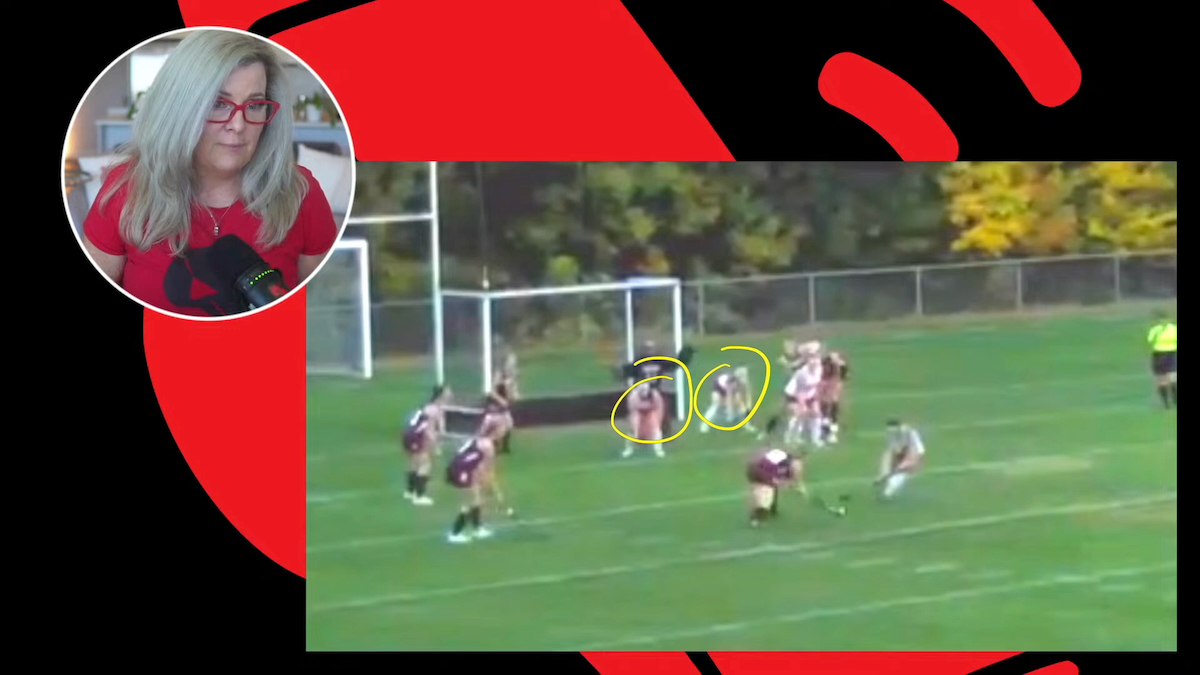
Coaching
Break down match footage, circle a run, mark up positioning during live film review.
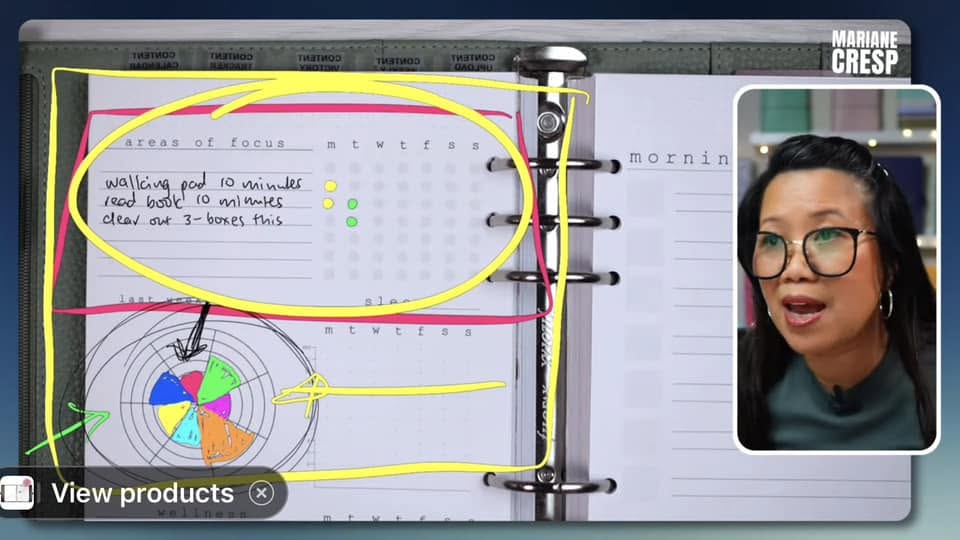
Teaching
Annotate slides and student work as you talk, or start with a half-finished diagram and draw it out.
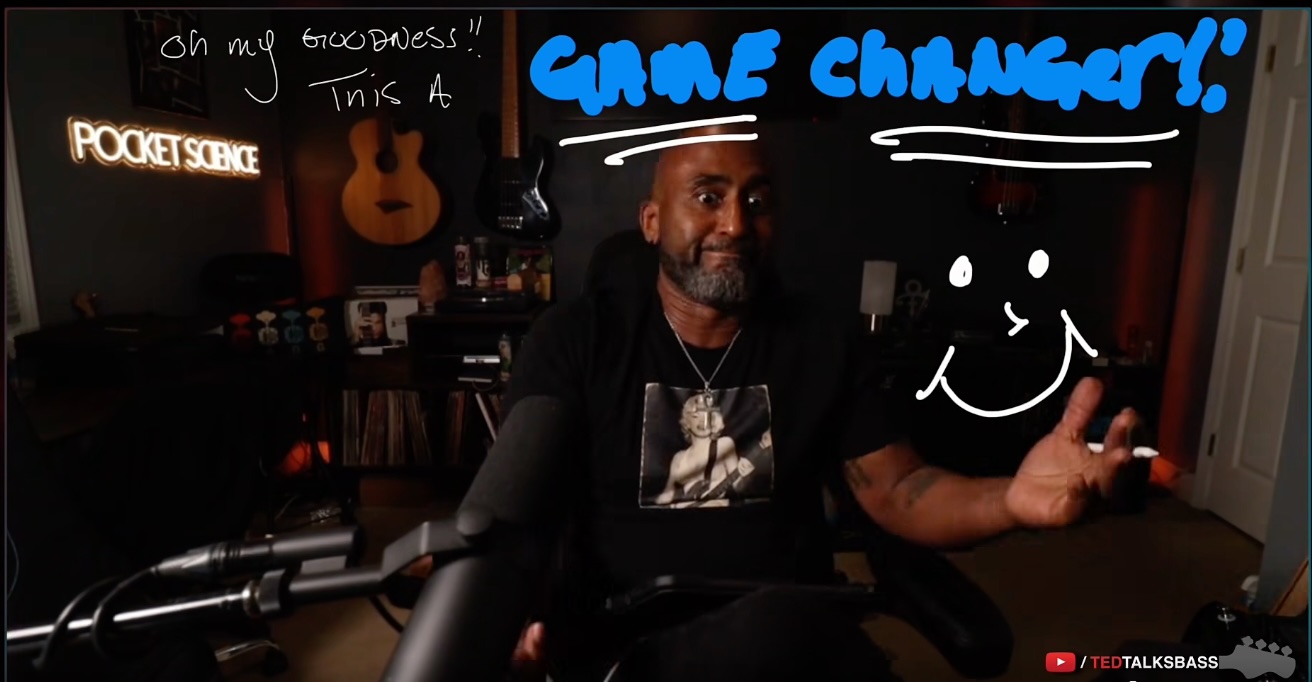
Demos
Point at the thing you're talking about instead of saying "up there in the top left corner".
Some quotes from the Ecamm Facebook Community
"This has been my favorite tool (besides ecamm of course) of 2026! Proudly endorsed by the ecamm team! 👏"
 Jill
Jill
"This is my favorite tool for coaching calls and webinars. Outstanding."
 Josh
Josh
"Video Pencil is one of my “must have’s” when using Ecamm."
 Jeremy
"😁 I am also a long time fan of this app for teaching ✅"
 Tatiana
"I cannot emphasise how amazing this app is. It's one that I use every day on my tutorials, client calls, and live streams. There's no other app on the market that works as well as this, and Michael Forrest is continually adding features and updates. If you don't have this app, why not go and grab it now!"
 Neil
Neil
Setting it up
CueCam Presenter handles the connection between your iPad and your Mac. It's free to use this way, it finds Video Pencil on its own, and it hands Ecamm a clean transparent layer over Syphon.
Launch CueCam on your Mac
First you'll need to Download CueCam Presenter.
Once that's set up, turn on Ecamm's Virtual Camera and use it as your main camera in CueCam.

Open Video Pencil on your iPad
CueCam finds it automatically over your local network and starts sending your Ecamm program back to the iPad — so you can see exactly what you're drawing on.
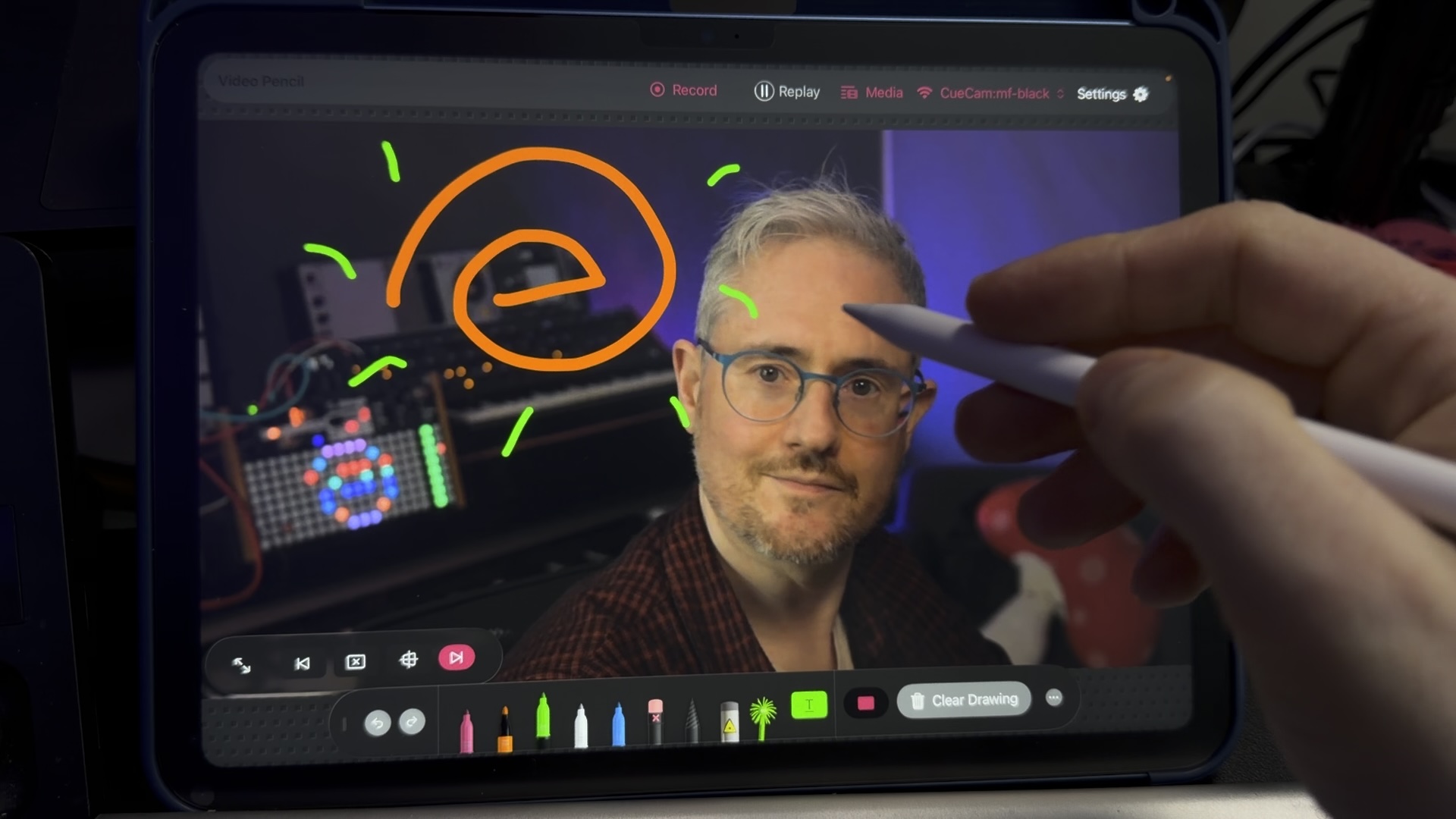
Add "Video Pencil via CueCam" layer in Ecamm
Make a new camera layer on top of everything else. Use your trackpad or mouse wheel to make it fill the entire frame and lock it in place.
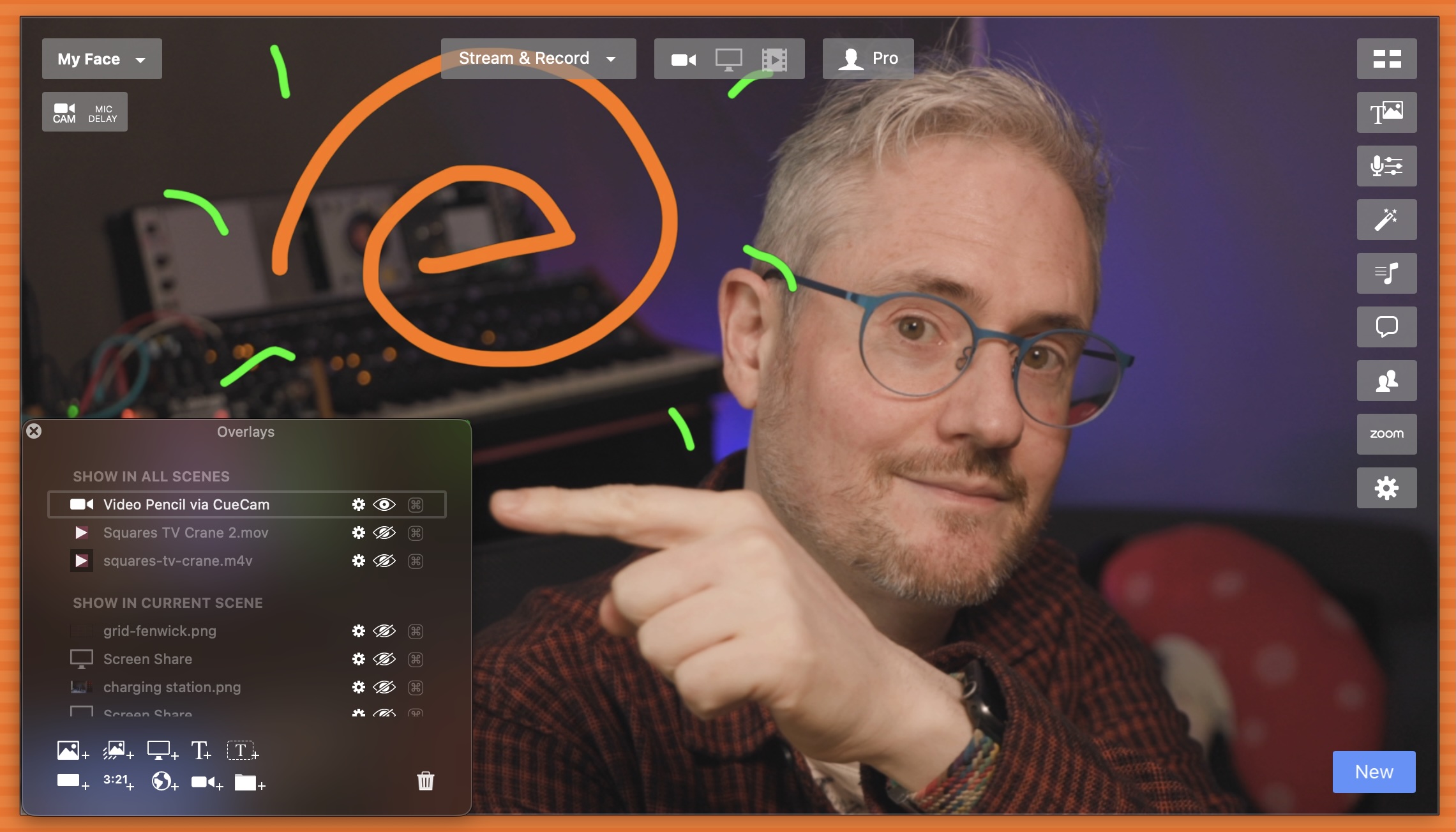
That's it! Now you can draw on your Ecamm show live, from your iPad.
Ecamm + CueCam
CueCam doesn't only provide the connection between your iPad and your Mac. It unlocks a suite of storytelling and show-running tools that work with Ecamm, including:
- "Smart cue cards" let you write a script to synchronize with your Ecamm show
- Automatically switch to the right Ecamm scene at the right moment
- One-button control when presenting
- View your speaker notes and Ecamm output in your teleprompter
- Calculate your mic delay to sync your audio and video
- Create immersive presentations with animated titles & images
- Play video clips and control them from your iPad
- Format-agnostic Markdown targets horizontal and vertical video with the same content
CueCam is free to use with Video Pencil, and the Suite plan is only $14.99/month. If you want to use CueCam's other features, you can upgrade to Suite at any time.
Using Video Pencil with Ecamm already?
I'd love to know what for — and if you're up for it, to share what you're doing with other people figuring this out.
"I used Video Pencil with Ecamm and I loved what I could do. So easy to use. I could actually see where I was drawing on the screen. My favourite moment was hearing the question 'how did you do that?'"Marty Chan — author and playwright